Twitch Drops: Jade Storm
Watch streams and earn rewards in Modern Warships.
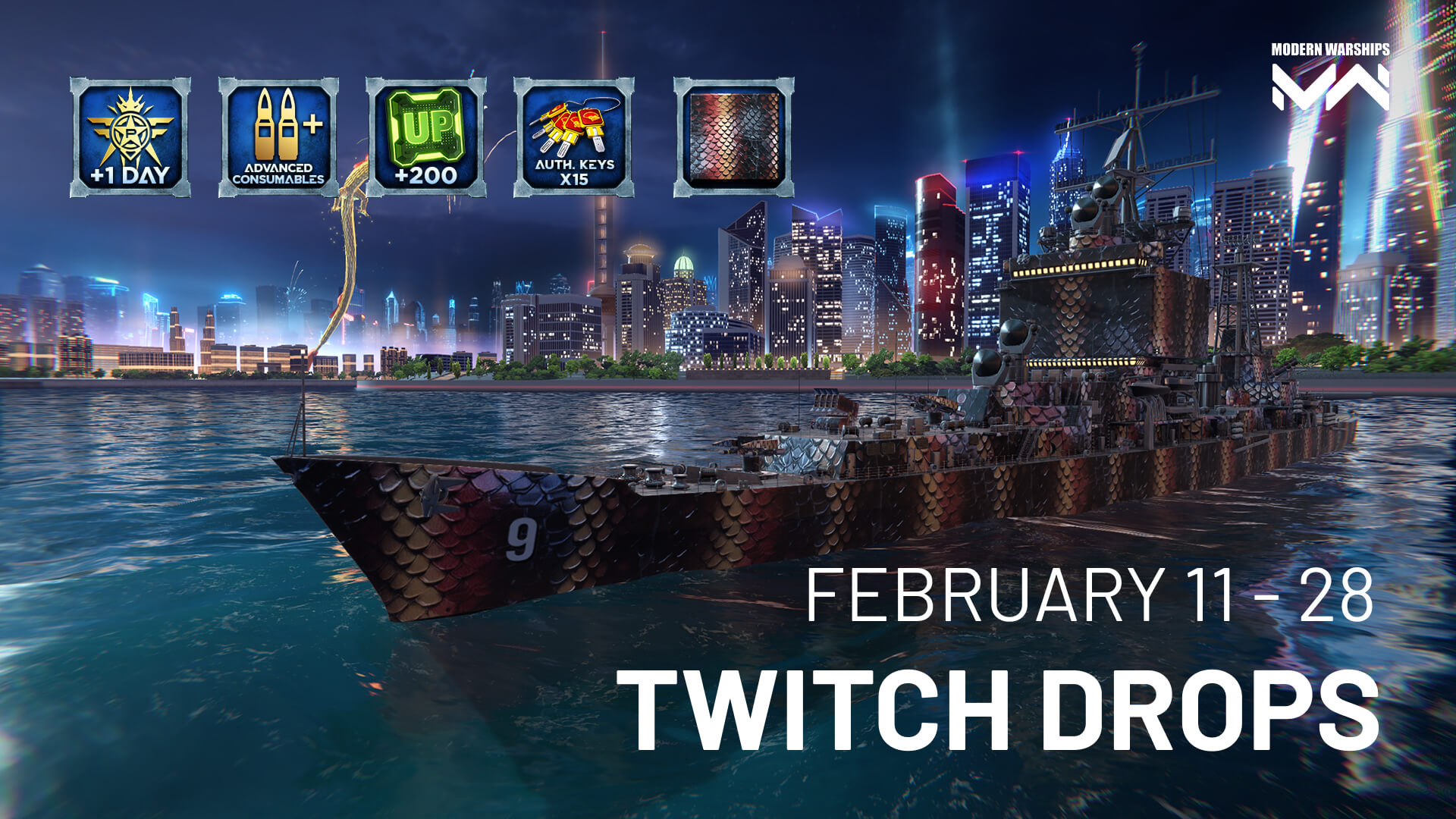
Commanders, from February 11 to 28, new Twitch Drops are live on Modern Warships streams!
What can you snag?
1 hour – 2 days of Premium Account
2 hours – Supply of Advanced Consumables
3 hours – 200 Upgrade Points
4 hours – 15 Authorization Keys
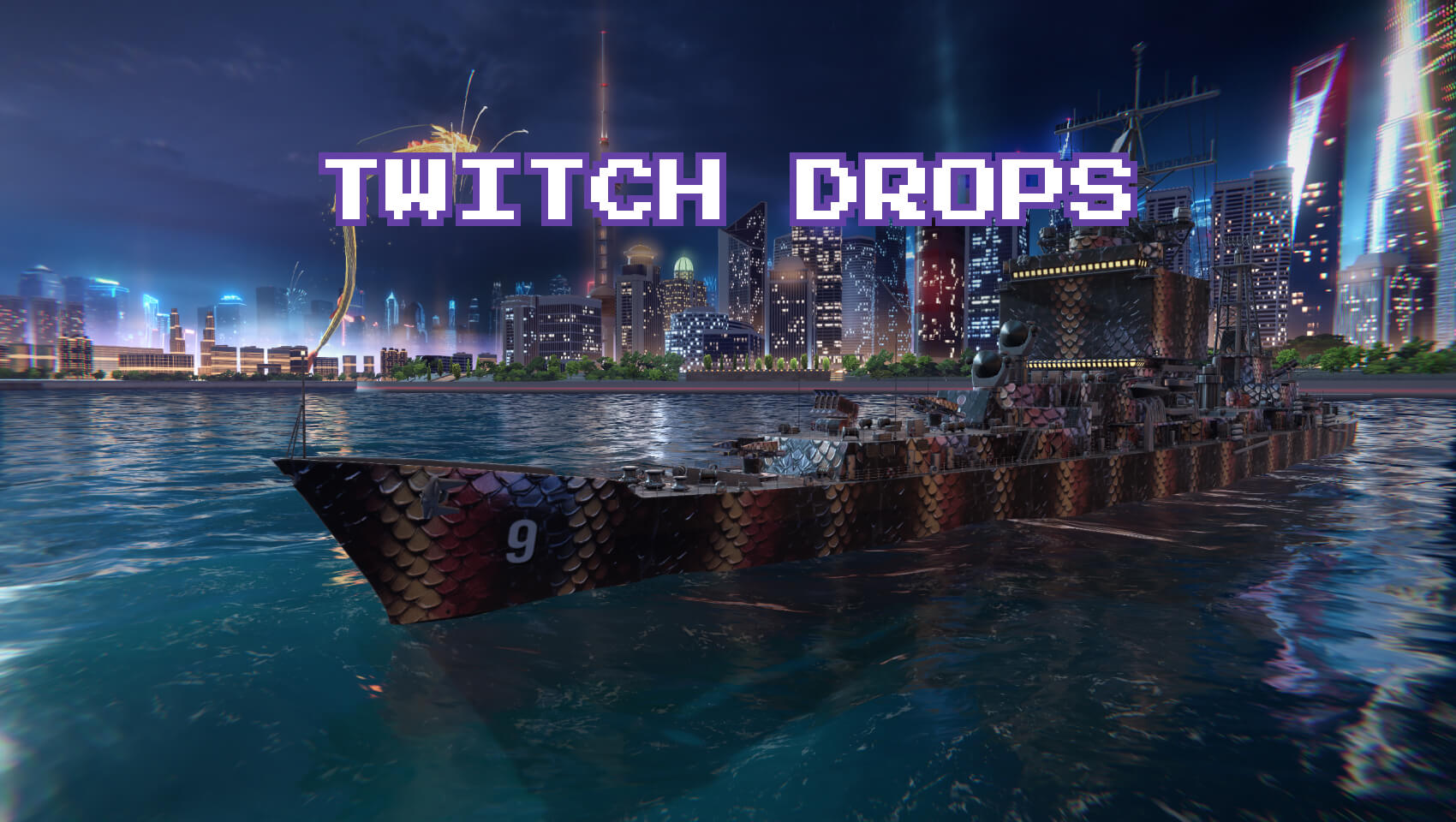
5 hours – Camouflage Reptile
FAQ
What are Twitch Drops?
Twitch Drops are rewards you can earn by watching Modern Warships streams on Twitch.
Which streams do I need to watch?
Watch any of the channels listed below streaming Modern Warships on Twitch during the campaign period. Just make sure you’re logged in to Twitch and your accounts are linked.
How do I get the rewards?
- Log in to your Twitch account.
- Link your Twitch account with your Artstorm account*.
- Click “Allow” to be able to receive Twitch Drops!
* Please note that you can only link your Twitch account to your Artstorm account. To do this, you must have an email address linked to your in-game account. Make sure your email is linked by going to MW -> Settings -> Account.
If your email is not linked, add it first. Then go to the Artstorm website, navigate to Store -> Log In, and enter the credentials you use to log into MW.
After that, link your Twitch account by following the instructions above.
- Watch the stream until you reach the required watch time.
- Claim the reward on Twitch (see below).
Where can I track progress and claim rewards?
Progress is shown in the Drops Inventory section on Twitch. You can also claim rewards there using the “Claim” button.
Sometimes Twitch shows a notification during the stream — in that case, you can claim the reward directly from the notification.
Will I earn rewards faster by watching multiple streams at the same time?
No. Progress only counts from one active stream at a time.
I claimed a reward on Twitch. Where is it in the game?
After claiming the reward on Twitch, it will be delivered to your in-game account automatically. This usually takes a little time.
If you were in the game when you claimed the reward, you may need to restart the game for it to appear.
If the reward doesn’t show up, check that your accounts are linked correctly and that the reward is marked as claimed in Twitch Drops Inventory.
Which devices support Twitch Drops?
Drops work in web browsers on PC/Mac and in the Twitch mobile app on Android and iOS. Twitch apps on consoles and Smart TVs do not support Drops.
Streaming Modern Warships on Twitch?
Apply to the Creator Support Program — get bonuses, support from the team, and more opportunities for your channel and audience.

11 February 2026
Modern Warships: Jade Storm
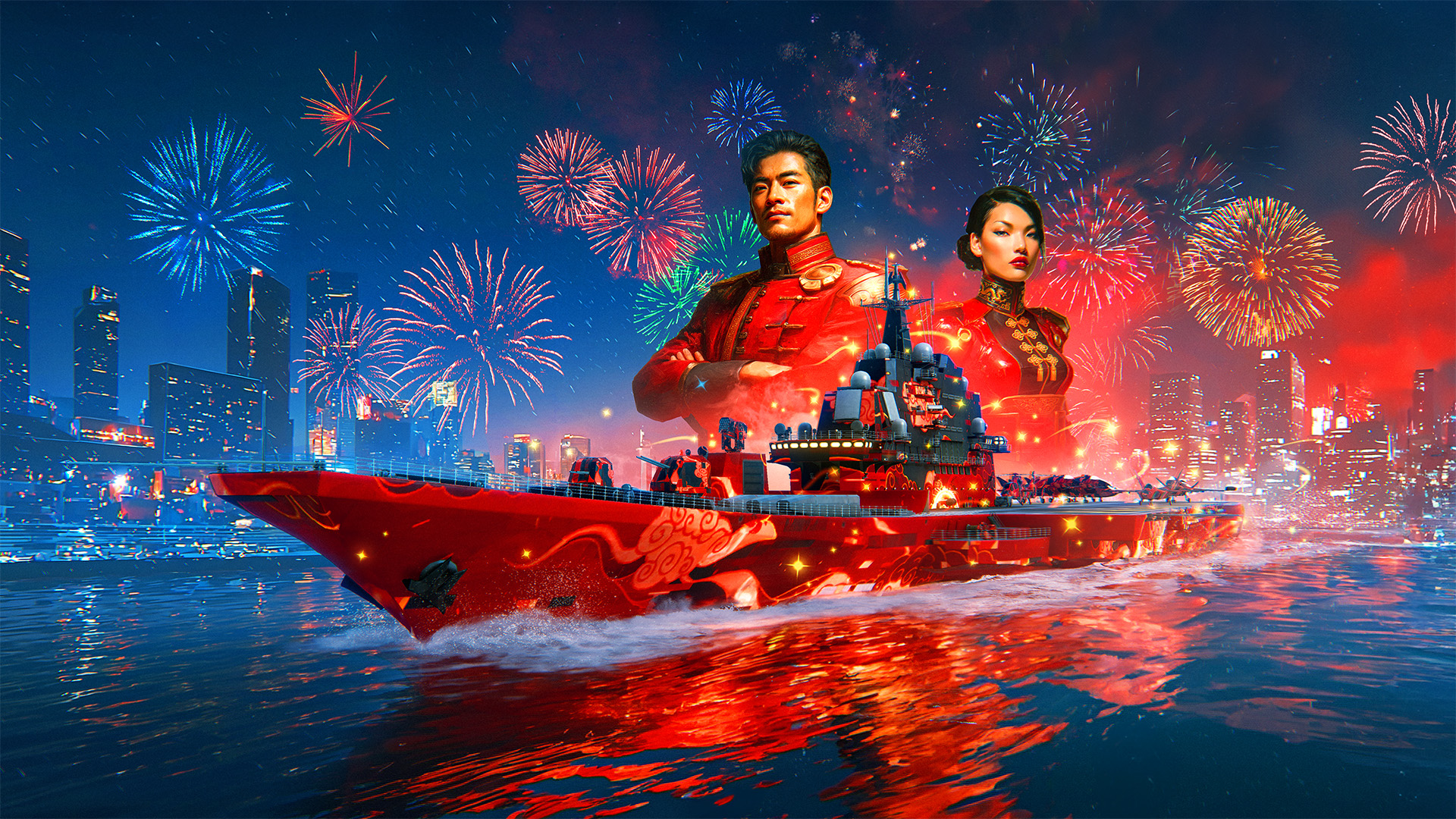
Commanders, welcome to the event — «Jade Storm»
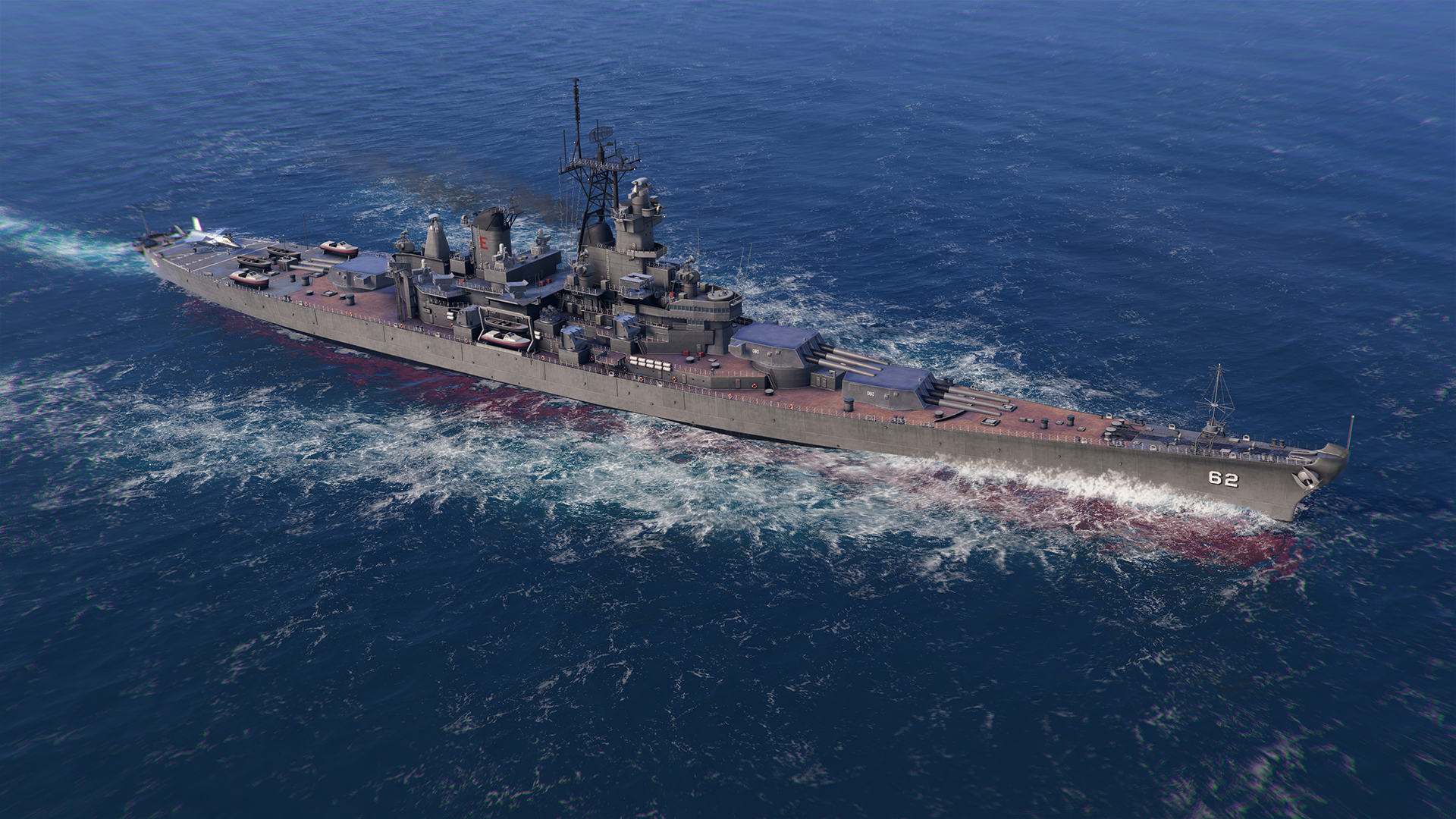
USS New Jersey (BB-62) is coming soon!
Coming soon to Modern Warships: a golden classic from the battleship era—the legendary USS New Jersey (BB-62). This veteran is ready to prove that age is no barrier, and that its main guns still tear enemy ships to pieces!